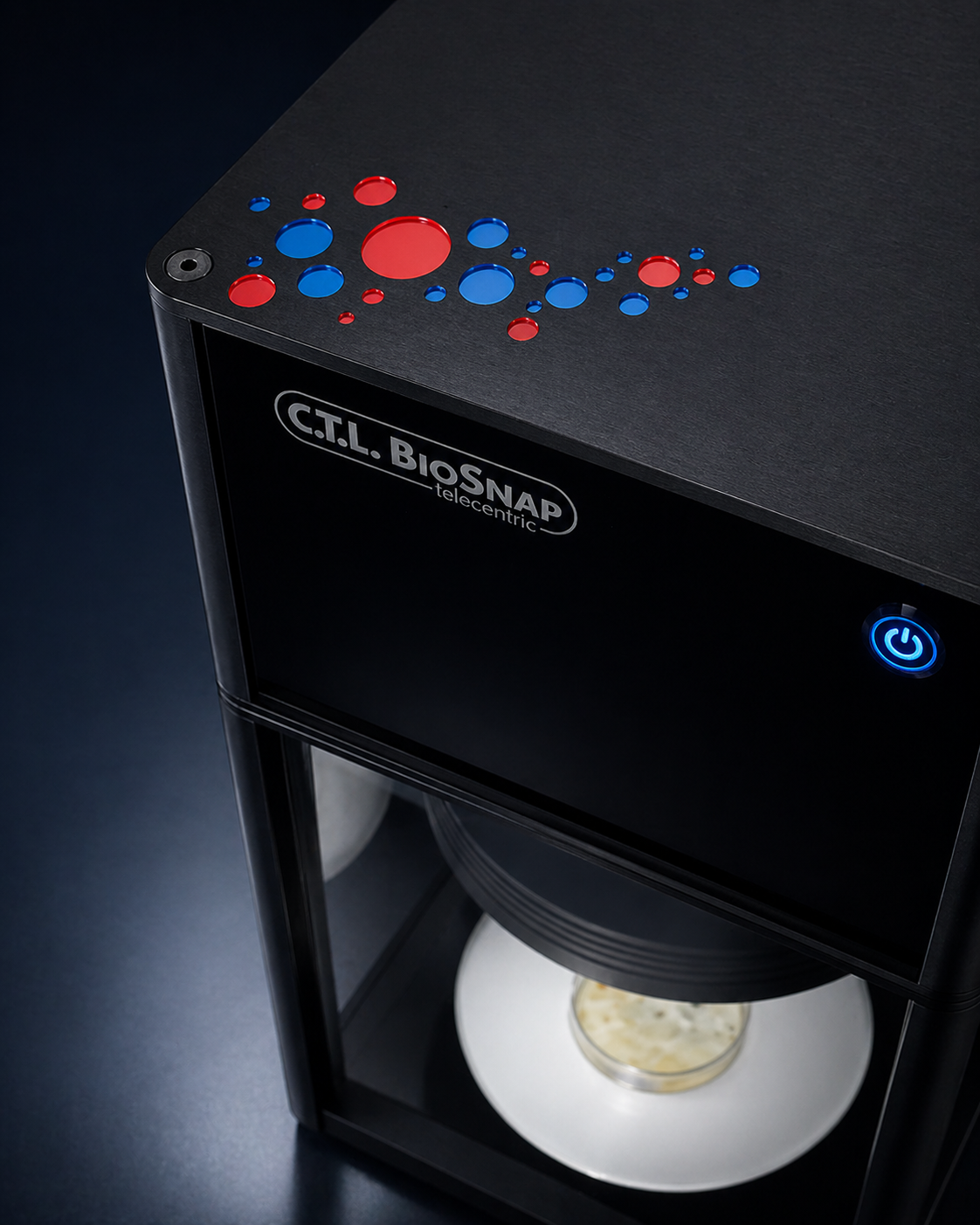
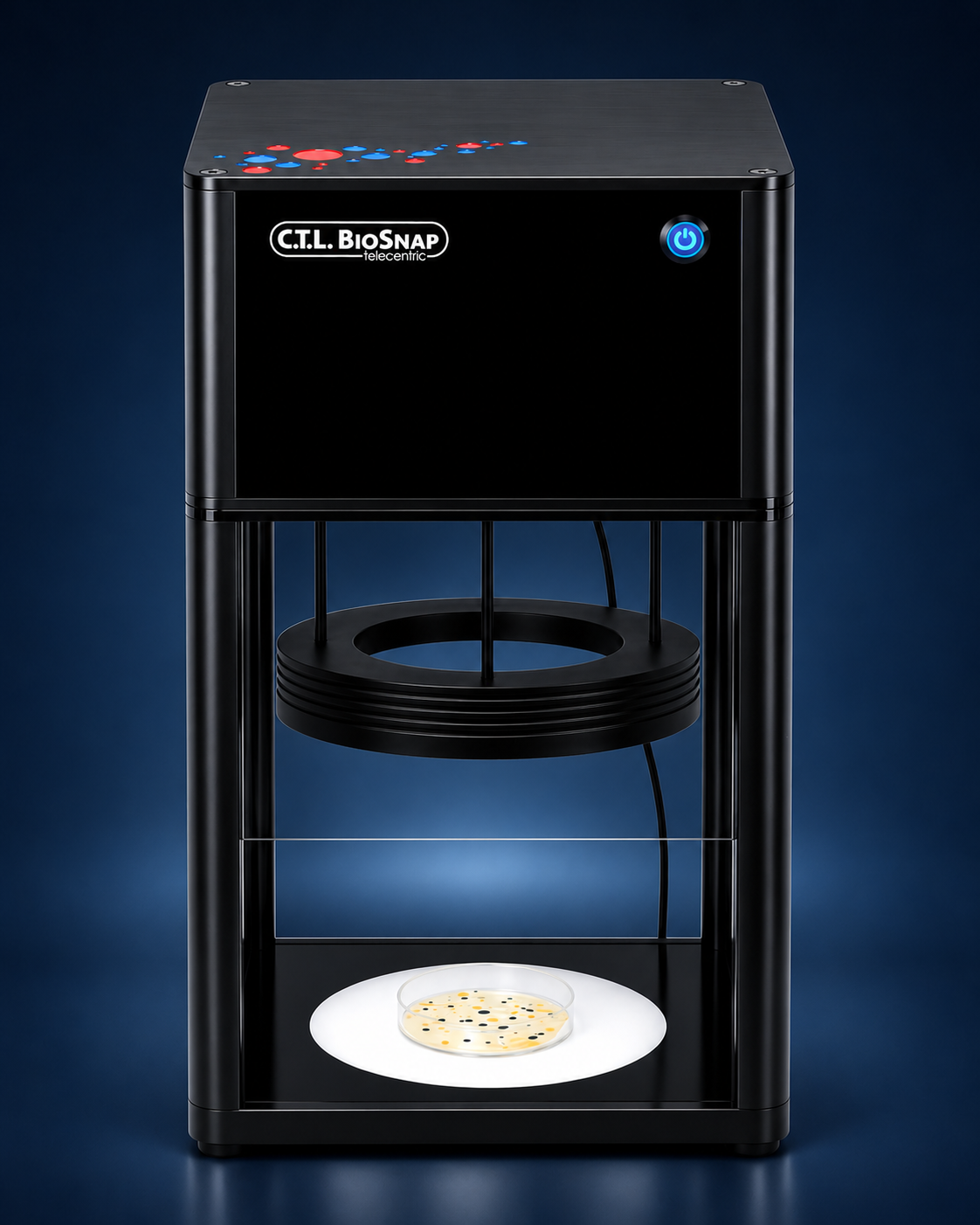
* Manufacturer specifications for BioSnap™ Macro. Up to 400 plates per run with optional ImmunoBot™, not per hour. Analysis time does not include the complete robotic cycle or expert review and approval. Plate format, method and configuration determine performance. Dimensions exclude robotics.
Your applicationFood & beveragesCosmeticsFermentation & probioticsTesting laboratoriesBiotechnology
01Room for what matters
Interactive counting challenge
Same plate - Different pace
Click every colony on your plate. Watch the illustrative IntelliCount™ run beside it. Three plates. Your time, measured.
Choose a plate
01 / Low density
You, counting manually
Your clicks
Mark each colony once. Your timer stops when you finish.
Round paused
Colonies marked0
Your elapsed time0.0 s
Ready for your first count.
IntelliCount™
Simulation
The same synthetic plate, with an illustrative automated count.
Round paused
Illustrative count0
Animation time0.0 s
Starts at the same time as you.
Press Start counting. Both plates use exactly the same colony pattern.
Keyboard: Tab into your plate. Arrow keys select a colony; Enter or Space marks it. Home/End jump to the first/last colony.
Interactive simulation, not a product benchmark. These are synthetic plates with predefined colony positions and counts. The IntelliCount™ side uses a fixed 2.4-second animation, not live image analysis. Your time measures interaction with this demo, not a laboratory workflow. Actual performance depends on your samples, settings and review requirements.
Interactive counting challengeSame plate - Different paceClick every colony on your plate. Watch the illustrative IntelliCount™ run beside it. Three plates. Your time, measured.Choose a platePlate {n}01 / Low density02 / Medium density03 / Higher densityYou, counting manuallyIntelliCount™Your clicksSimulationMark each colony once. Your timer stops when you finish.The same synthetic plate, with an illustrative automated count.Colonies markedIllustrative countYour elapsed timeAnimation timeReady for your first count.Starts at the same time as you.Counting in progress.Your timer has stopped.Illustrative analysis in progress.Illustrative count complete.Start countingCounting in progressResume countingPausePausedRound pausedUndo last markFinish my countRestart plateNext platePress Start counting. Both plates use exactly the same colony pattern.Click or tap each colony on the left. Duplicate marks do not add to your count.Press Start counting first. Both timers will start together.{count} colonies marked. Keep going, or finish your count.{count} colony marked. Keep going, or finish your count.Already marked. Each colony is counted only once.Click on a colony to mark it. Empty agar does not add to your count.Last mark removed. You can count that colony again.Both timers are paused. Select Resume counting to continue.The round paused while you were away. Select Resume counting when you are ready.The illustrative IntelliCount™ run has finished. Your timer keeps running until you finish your count.Your count is finished. Waiting for the illustrative automated run to complete.All {total} colonies marked. Review your time, then select Next plate. Plate 3 loops back to Plate 1.You marked {marked} of {total} colonies. Unmarked colonies are outlined. Restart to try again, or select Next plate.Every colony accounted for.A few colonies left behind.You marked all {total} colonies in {time}. Explore what a real BioSnap evaluation could mean for your workflow.You marked {marked} of {total} colonies in {time}. {missing} remain unmarked. Time alone does not tell the whole story.Not comparedmore than this illustrative animation, not a product benchmark.less than this illustrative animation, not a product benchmark.Finish a complete count before comparing times.Try your real platesInteractive simulation, not a product benchmark.These are synthetic plates with predefined colony positions and counts. The IntelliCount™ side uses a fixed 2.4-second animation, not live image analysis. Your time measures interaction with this demo, not a laboratory workflow. Actual performance depends on your samples, settings and review requirements.Keyboard: Tab into your plate. Arrow keys select a colony; Enter or Space marks it. Home/End jump to the first/last colony.Manual colony-counting plate. Start the round, then click colonies or use the arrow keys and Enter.Illustrative automatic colony-counting plate using the same synthetic colony pattern.Manual plate. Colony {n} of {total} selected. Press Enter to mark it.Illustrative automated count complete: {count} synthetic colonies.{time} sEnable JavaScript to play the counting challenge. You can still explore the page and request a demo.
Your time belongs to the next discovery
Repetitive counting ties up time needed elsewhere in the laboratory. BioSnap focuses on imaging and analysis – so your expertise goes into the results. Not the routine.
01Reduce manual analysis work
02Work with defined analysis parameters
03Review results against the digital image
Your method, acceptance criteria and approval processes remain essential.
BioSnapSelect the product visualisation in the page editor.
BioSnap™Product visualisation
02Imaging & analysis
Precision begins with the details
Digital imaging. AI-assisted analysis. Results your team can evaluate with purpose. In one compact system.
01The right perspective.
Software-controlled white-light sources above and below support imaging of your Petri dishes. We tailor the lighting and analysis to your samples.
02IntelliCount™ at the core.
AI-assisted image analysis supports colony evaluation. We assess suitability for your media, colony morphologies and analysis objectives using representative samples.
03Your review. Your decision.
Digital images provide the basis for expert review. Software scope, documentation and data export are agreed for your specific workflow.
Your team evaluates results against your criteria. Interpretation and approval remain in your hands.
04Automated plate handling
Optional: ImmunoBot™
More throughput Less hands-on
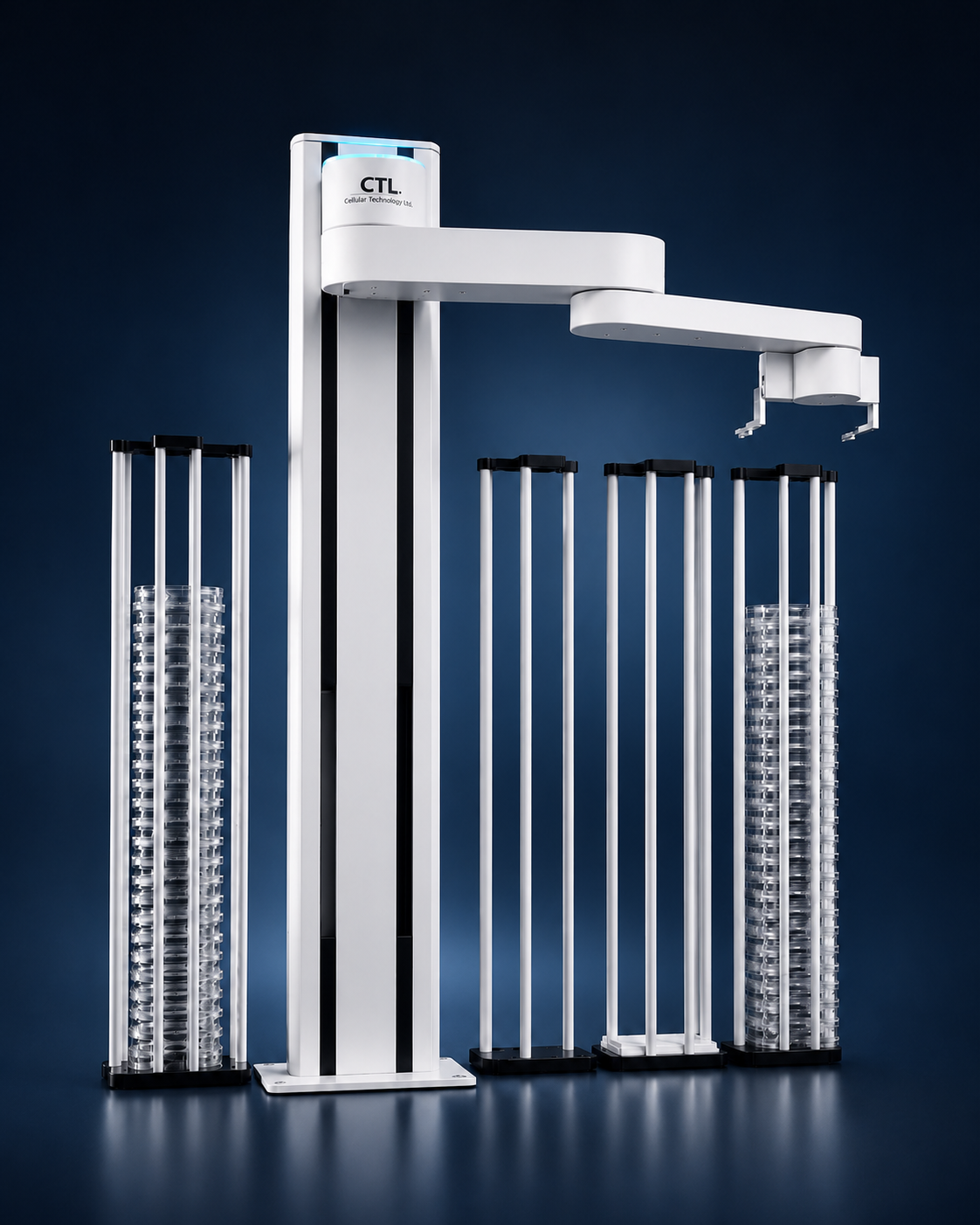
When individual plates become large batches, ImmunoBot™ adds automatic loading to the imaging workflow. Keep your focus on the next experiment – not the next dish.
400plates*
Up to 400 plates per run, depending on format and configuration.
ImmunoBot™Select the robotics visualisation in the page editor.
Optional automationProduct visualisation
05The details
Clarity in every detail.
Technical specifications · BioSnap Macro
Dimensions (H × W × D)
56 × 29.3 × 29.3 cm
Lighting
White light from above and below
Analysis engine
IntelliCount™
Plate handling
Optional: ImmunoBot™
Capacity with robotics*
Up to 400 plates per run
Dimensions of the analyser, excluding robotics and workspace. Suitable plates, media and configuration are agreed for your specific application.
Evaluation and system scope
Together, we define representative samples and acceptance criteria. Options such as barcode scanning, software, export formats and qualification are specified in the quotation.
FAQBefore your first demo
The right questions.
Is BioSnap suitable for our well format?
We count everything imageable. Format, medium, colony morphology and analysis objectives are key. We clarify these points in advance and assess suitability using your representative samples.
Do we need to change our cultivation process?
BioSnap focuses on imaging and analysis. Preparation and incubation remain as per your validated processes. We agree on any adjustments together; automated counting does not automatically shorten incubation time.
Does it replace our two- or three-person review?
Not automatically. Review and approval steps continue to follow your SOPs, method validation and applicable requirements.
How are data export and integration addressed?
Software scope, export formats and potential interfaces are agreed for your application. This page does not promise universal LIMS integration or automatic regulatory compliance.
The next step for your laboratory
Experience it
See how BioSnap could fit your application. Let’s discuss your plates, your throughput and your next step in automation.
01Understand your application02Experience the system03Plan the next step